Choose and Purchase a Plan
How do I select a plan and subscribe?
- Go to Plans;
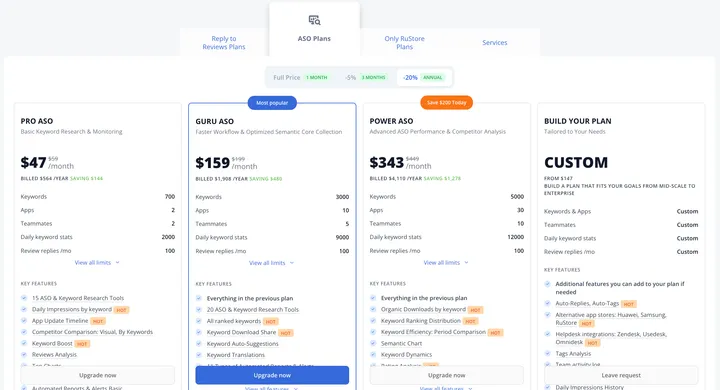
- Depending on your goals and needs, you can choose a plan from several categories and set the length of your subscription:
-
Select the plan you would like to subscribe to and click “Subscribe” below. You will be taken to the payment page.
-
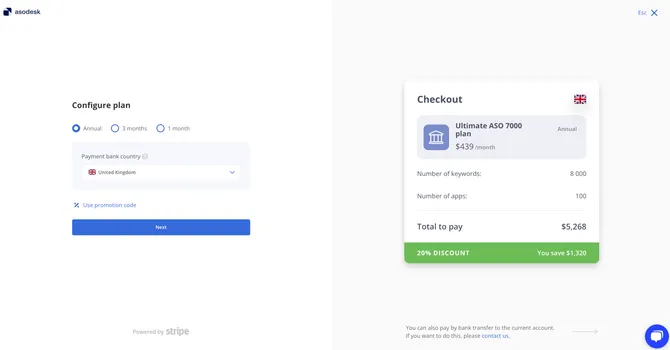
Select the country where your bank is located:
-
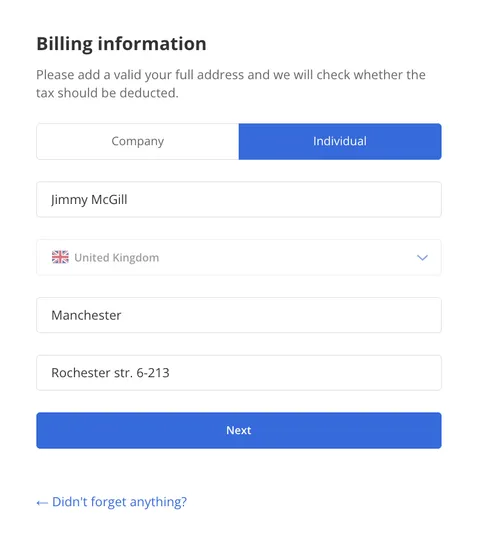
Add your address:
-
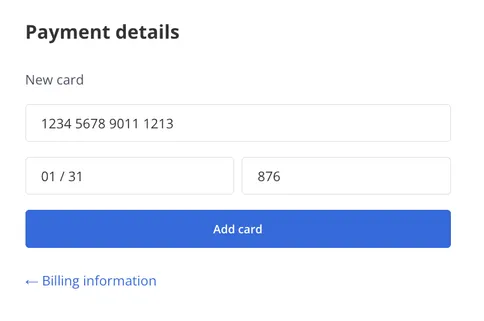
Enter your card details:
-
Pay for your purchase. Your payment will be processed in a few seconds.
Need help understanding our products or services? Have a question? Let us know!
Click the support icon in the bottom right corner or write on hello@asodesk.com
Was this helpful?